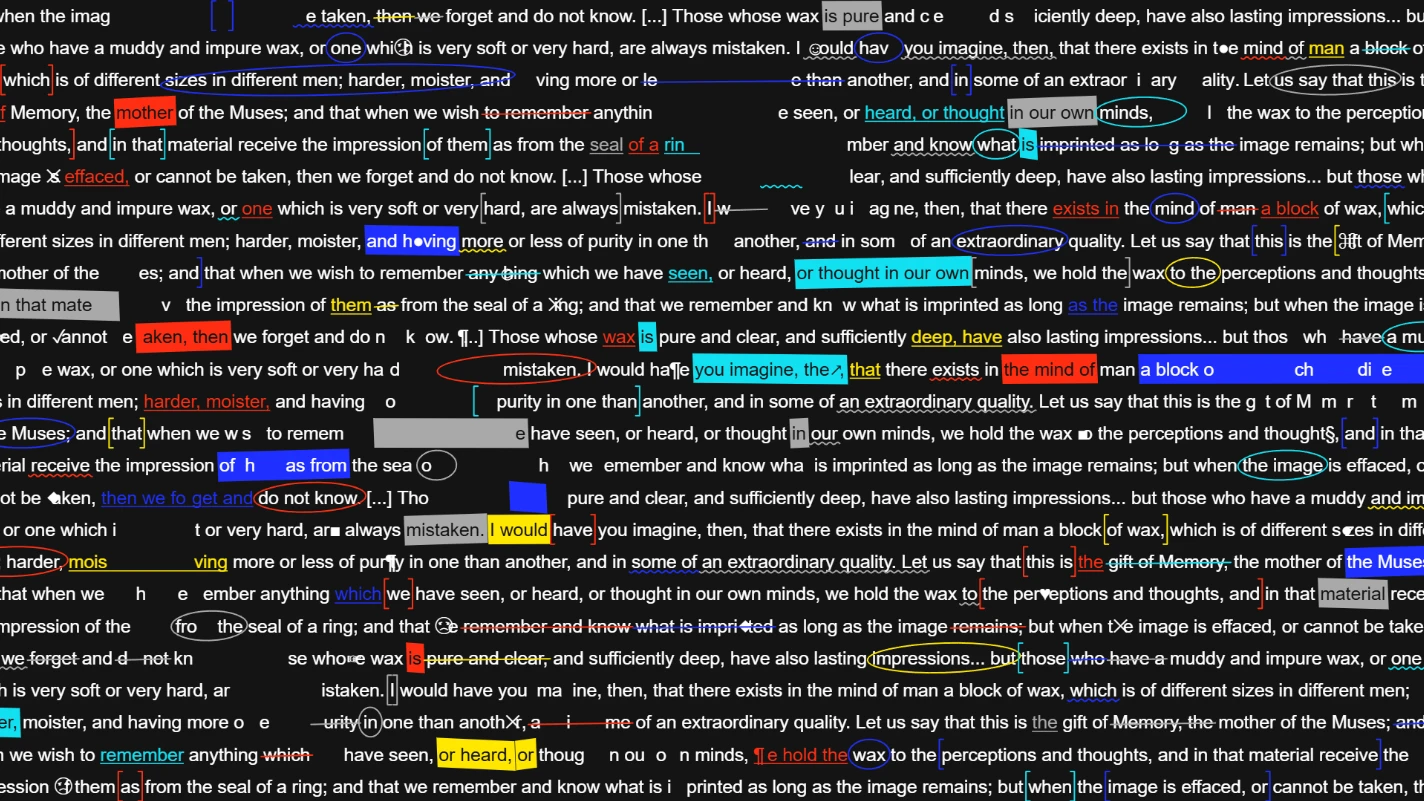
Kinetic typography is text that moves. On short video it works because it stops the scroll: people read moving words almost without trying. It is perfect for quotes, announcements, lyrics, event lineups and product launches.
Each idea below uses one preset from Kinetic mode in Dasca. You type your words, pick a preset, tweak the motion and export a video. No keyframing letter by letter.
1. A lineup that flies into place
Use Gather. Small marks fly, hop or drop into place to form each line of a list. Great for festival lineups, tour dates or a list of features.
2. A number that counts up
Use Tally. It rolls through values like a counter, with a label next to each one. Show followers, sales, release days left or years in business.
3. Words running into the distance
Use Vanish. Phrases are laid on surfaces that run to a vanishing point, like a corridor or a floor. It gives a short quote real depth.
4. A tunnel of letters
Use Vortex. Characters spin into a deep tunnel. It is hypnotic and works well behind a single big word or a logo.
5. One idea at a time
Use Callout. One text block grows into focus while the others shrink, then it moves to the next. Perfect for tips, steps or a short story told in five lines.
6. A shuffled deck
Use Deck. It shuffles a deck of cards with your text on them, or with your own images. Nice for portfolios, product drops and "this or that" posts.
7. A retro TV page
Use Teletext. It builds old broadcast text pages on a character grid, with block letters and block graphics. Add the VHS look afterwards for full nostalgia.
8. Text on a wave
Use Swell or Tidal. A wave rolls through rows of small text, like a water surface. Calm, smooth and great for ambient or chill music.
9. A word that keeps bouncing
Use Stagger. A wave sweeps through the letters, lifting and scaling each one in turn. Simple, playful and easy to read.
Tips for short video
- Go vertical. Set a 9:16 canvas in Adjustments before you start.
- Fewer words. Five short lines beat one long paragraph.
- High contrast. Light text on dark, or the other way around. Phones are small.
- Use the dice. Randomize slider values gives you new variations of a preset in one click.
- Keep the background clean. Export with a transparent background as ProRes 4444 or a PNG sequence if you want to place the text over footage in your editor.
Want to stylize your text further? Export it, open the clip in Effects mode and add Glitch or another effect on top.
See all presets and settings in the Kinetic Typography docs.