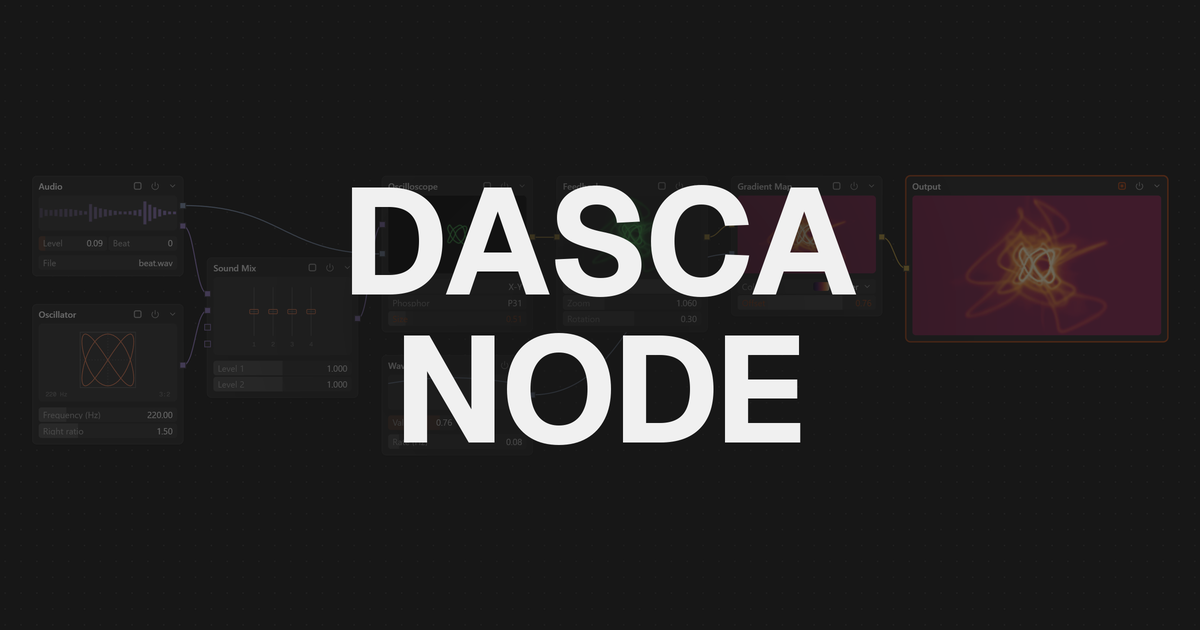
Most visual tools work in one of two ways. Some stack things in layers, one on top of the other. Others connect things with nodes and wires, like a map. Both can make the same picture, but they feel very different to work with.
Layers: a stack
In a layer-based tool, every effect or image sits in a list. The list is read from one end to the other, and each layer changes what is below it.
Good at:
- Easy to learn. You see the whole stack at a glance.
- Quick for simple edits: one photo, a few effects, done.
- Fits how most people think about images.
Hard at:
- Using one result in two places. You end up duplicating layers.
- Big projects. Long stacks get messy and hard to change.
- Making things react to each other.
Nodes: a map
In a node-based tool, every step is a box (a node) with inputs and outputs. You wire them together. The picture flows along the wires, and the last node is what you see.
Good at:
- Reusing results. One node can feed many others.
- Seeing how a look is built. The graph shows every step and how they connect.
- Making things react. A sound, a webcam or a wave can drive any setting just by wiring it in.
- Growing without limits. Add a branch, try an idea, delete it.
Hard at:
- The first hour. An empty graph can feel like a blank page.
- Small, quick jobs, where a stack would be faster.
Side by side
| Layers | Nodes | |
|---|---|---|
| Structure | A stack | A graph of connected boxes |
| Learning curve | Gentle | Steeper at first |
| Simple edits | Faster | Slower |
| Complex looks | Get messy | Stay clear |
| Reuse a result | Duplicate it | Wire it again |
| Live, reactive visuals | Limited | Natural fit |
Which one fits you
Choose layers if you mostly style single images or clips, want results in minutes, and rarely build the same look twice.
Choose nodes if you build your own looks, make visuals that react to music, cameras or controllers, or want to understand exactly how a result is made.
Many people use both: a stack for quick work, and a graph when the idea gets bigger.
Both in one app
Dasca has both ways of working. Effects mode is a simple stack: an effect chain that runs from left to right, where you add, reorder and blend effects. Node mode is a full graph editor for when you want more.
A first graph in Node takes about two minutes:
- Add a File In node and choose a photo.
- Add a Dither node after it.
- Right-click Pixel size and choose Drive with > Wave.
- Press
Space. The pixels now grow and shrink on their own.
Built-in Learn Nodes lessons walk you through the rest, step by step, inside the app. See the Node docs to go further, or start from the Effect Chain if layers feel more like home.