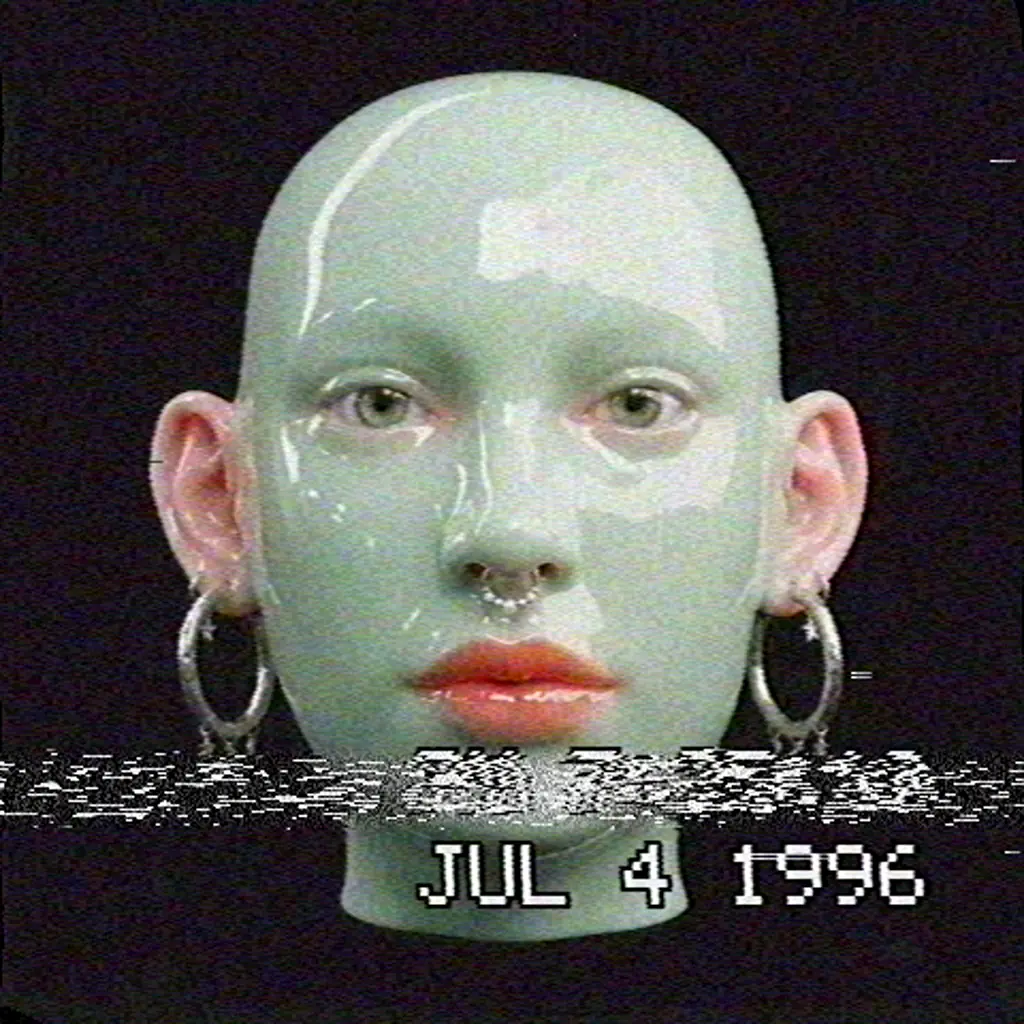
After Effects is the standard tool for motion graphics and compositing, and for good reason. But many people open it for one job only: to put a look on a clip. A VHS tape, a glitch, a dither, a print texture. For that job, a full compositing app can feel like a lot of setup.
This is an honest look at when After Effects is the right tool, and when a dedicated effect tool like Dasca is simply faster.
Where After Effects is the best choice
- Compositing. Keying, rotoscoping, tracking and combining many shots into one.
- Motion design. Animating shapes, logos and complex layouts on a detailed timeline.
- Team workflows. It fits into the Adobe apps many studios already use.
- Plugins. A huge ecosystem of third-party tools and templates.
If that is your daily work, keep using it.
Where a dedicated effect tool wins
Ready-made looks. In a general tool, a convincing VHS or CRT look often means stacking several effects, tuning masks or buying a plugin. In Dasca, a VHS look is one effect with styles like Rental Tape or Found Footage, built to copy how real tapes fail.
Real-time preview. Effects run live on your graphics card, so you see every slider change as the clip plays, without rendering a preview first.
Looks you would not build by hand. Things like Glitch that simulates real broken files and streams, ordered and error diffusion Dither with custom palettes, or Halftone with real CMYK separation.
One price. After Effects is sold as a subscription through Creative Cloud. Dasca is a one-time payment with free updates, and it works offline.
Side by side
| After Effects | Dasca | |
|---|---|---|
| Main job | Compositing and motion graphics | Effects and looks for images, video and 3D |
| Retro and glitch looks | Built from many effects or plugins | One effect each, with styles |
| Preview | Rendered preview | Real time |
| Learning curve | Steep | A few minutes per effect |
| Price | Subscription | One-time payment |
| Platforms | macOS, Windows | macOS, Windows |
Use both
The tools work well together. Many people style a clip in Dasca, export it as ProRes or a PNG sequence, and bring it into After Effects or their video editor for the final edit. Transparent backgrounds are kept in ProRes 4444 and PNG sequences, so text and overlays drop right in.
Who should try Dasca
- Video editors who want retro or glitch looks without building them by hand.
- Musicians and designers making covers, teasers and visualizers.
- Anyone who opens a big app just for one effect and wants a faster way.
There is a free demo that runs in the browser, so you can test the effects on your own footage before you buy. Start with the effects, or read a full walkthrough like How to make a VHS effect.