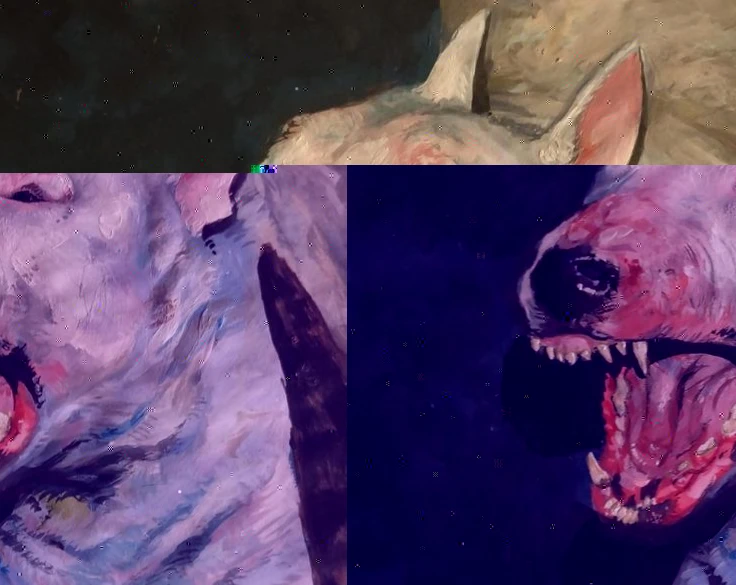
Audio-reactive visuals move with the sound: the picture pulses on the kick, breaks on the snare or drifts with the vocals. They are great for music videos, visualizers, release teasers and short loops for social posts.
Every idea below works the same way in Dasca. Load a track, connect a sound signal to an effect slider, and set the range it moves in. The connection is baked into the export, so the file matches what you saw.
Pick the right signal
- Bass follows the low end. Use it for big, slow pumping.
- Transient catches sudden hits like drums. Use it for sharp, short moves.
- Level follows the overall loudness. Use it for slow build-ups.
- Mid and Treble follow vocals, synths and hi-hats.
1. Dots that pump on the kick
Use Halftone and connect Bass to Cell Size. The print dots grow on every kick and shrink between them. Works great on a single portrait or album cover.
2. Glitches that hit on the snare
Use Glitch with a low base Intensity, then connect Transient to it. The picture stays clean and only breaks on the hits. Keep the range narrow, or the whole video turns into noise.
3. A tape that struggles with loud parts
Use VHS and connect Level to Tracking Error. Quiet parts play fine, loud parts make the tape shake and jump, like the deck can't keep up.
4. A channel flip on the drop
Use TV and connect Transient to Channel Change. Big hits throw the picture into static for a moment before it locks back in.
5. A kaleidoscope that breathes
Use Kaleidoscope and connect Bass to Zoom. The pattern pushes in and out with the beat. Add a slow Rotation Speed so it keeps moving between hits.
6. A tunnel that stretches
Use Echo Tunnel and connect Level to Spacing. The tunnel opens up as the track gets louder. Connect Mid to Twist for extra motion.
7. Streaks that grow with the vocals
Use Pixel Sort and connect Mid to Coverage. More lines melt when the vocals come in, and the picture sharpens back between phrases.
8. A color split on every hit
Use Lens Distortion and connect Transient to Spread. The red, green and blue layers jump apart on each drum hit and snap back together.
Tips that make it feel right
- Smooth it. Raise Smooth on Bass so the motion feels like a pulse, not a flicker. Keep Transient fast.
- Keep the range small. Subtle moves read as musical, huge ones read as random.
- Stack two signals. One slow (Level) and one fast (Transient) on different effects gives both build-up and punch.
- No track yet? Use a generated Sine or Random Walk signal for a slow, living motion.
For live shows, Dasca Node listens to a microphone and MIDI controllers in real time. See all signal options in the Audio and Signals docs.